

Virtual Meeting Etiquette: How to Look and Sound Professional on Every Call
Nobody hands you a manual for virtual meeting etiquette — you’re just expected to know it. But whether it’s a job interview, a client presentation, or your third team standup of the day, how you show up on a video call quietly shapes how colleagues and clients judge your professionalism. The good news: good virtual meeting etiquette isn’t complicated. It comes down to a short list of habits — joining prepared, looking presentable, staying genuinely engaged, and following through afterward — that anyone can pick up.
This guide walks through the habits of good virtual meeting etiquette in the order you’ll actually use them: before the call, on camera, while speaking and sharing your screen, and after everyone hangs up. You’ll also find honest answers to the awkward questions — barking dogs, frozen screens, accidental interruptions — so nothing catches you off guard.
What Virtual Meeting Etiquette Really Means
Strip away the jargon and virtual meeting etiquette is simply this: behaving on a video call in a way that respects everyone else’s time and attention. Mute discipline, a working camera, concise contributions, a tidy background — none of it is about perfection. It’s about removing the small frictions that make remote meetings tiring for everyone on them.
Why does it matter so much? Because on a video call, your presence is the whole message. In a room, people pick up dozens of cues about whether you’re engaged. On camera, they get a small rectangle — and inside that rectangle, distractions are magnified. The colleague checking email, the echo from an unmuted mic, the messy room behind a presenter: everyone notices. Video calls — technically a form of videotelephony — compress all of professional presence into what people can see and hear through a screen, so the basics carry unusual weight.
Before the Call: Prepare Like a Professional

Most video-call disasters are preventable, and almost all of them happen before the meeting starts. Ten minutes of preparation beats ten minutes of “Can you hear me?” on any web conferencing platform, every time.
- Join 3–5 minutes early. It gives you time to fix audio or video issues privately instead of troubleshooting in front of everyone.
- Test your mic, camera, and speakers — especially if you’ve switched devices or locations since your last call.
- Learn the platform’s basics: mute/unmute, hand raise, chat, and screen share. Fumbling for controls mid-meeting distracts the whole group.
- Read the agenda if there is one, and bring your updates or questions ready. Walking in cold wastes everyone’s time.
- Close what you don’t need: extra tabs, messaging apps, anything that pings. Notifications have a talent for arriving at the worst possible moment.
If your day is stacked with back-to-back calls, plan recovery time too. Hours in the same chair take a toll — a short daily routine for lower back pain between meetings keeps you comfortable and focused through a long video-call day.
Look the Part: Camera, Lighting, and Background

You don’t need a studio. You need three things: a camera at eye level, light on your face, and a background that doesn’t distract. Stack your laptop on books if you have to — a camera looking up your nose is never flattering. Face a window or put a lamp in front of you; light behind you turns you into a silhouette.
- Keep the camera at eye level and look into the lens when you speak — that’s what eye contact looks like on a call.
- Tidy the visible background, or use a simple, neutral virtual background. Save novelty backgrounds for friends, not work.
- Dress for the meeting you’d be having in person, at least from the waist up. It changes how you carry yourself, and people can tell.
- Hide your self-view if you keep staring at yourself. Most platforms let you minimize it — you’ll pay far more attention to everyone else.
None of this is vanity. When people can see your face clearly, they read your reactions, trust your attention, and the whole conversation flows better.
During the Meeting: How to Act on Camera

Once the call starts, your job is simple: be visibly present. That means camera on (unless the host says otherwise), eyes toward the screen, and reactions people can see — a nod, a smile, a quick “that makes sense” when someone lands a point. Silence plus a blank stare reads as absence, even when you’re listening carefully.
- Don’t multitask. It’s obvious — your eyes drift, your responses lag, and the moment someone addresses you, everyone watches you scramble.
- Keep a simple system for notes: decisions, action items, and anything assigned to you. If you want to build the habit properly, these journaling techniques adapt surprisingly well to meeting notes.
- React visibly. Use the platform’s reactions or just nod — small signals keep the speaker’s energy up.
- Stay until the end, or excuse yourself properly. Vanishing mid-call without a word is the virtual equivalent of walking out of a room.
If your connection is struggling, say so early and switch your video off rather than freezing mid-sentence repeatedly. People forgive tech problems; they don’t forgive silence about them.
Speaking Up Without Talking Over People
Video calls add a half-second of lag to every conversation, which is why people constantly talk over each other. The fix is rhythm: pause a beat longer than feels natural before you start speaking, and keep your points short. Long monologues die on video — attention fades fast when the speaker is a small tile.
- Stay muted when you’re not speaking, and unmute the moment you want to contribute. Mute discipline is the single highest-impact habit in virtual meeting etiquette.
- In larger meetings, use the raise-hand feature instead of jumping in. In small ones, a quick “Can I add something?” works fine.
- Use chat for its actual job: sharing links, dropping a question without interrupting, flagging a typo in shared slides. Don’t use it for side jokes or private commentary — hosts can read it, and it often gets saved.
- If you get talked over, don’t fight for the floor. Wait for a pause and re-enter calmly: “To finish that thought…” works every time.
And when someone else is speaking, give them the floor completely. Interrupting on video feels twice as rude as in person, because there’s no body language to soften it.
Screen Sharing Without the Embarrassment
Part of solid virtual meeting etiquette is treating screen sharing like a pre-flight check. The classic disasters — personal messages popping up, an open tab you’d rather nobody saw, confidential data in a spreadsheet — are all avoidable.
- Close unrelated tabs, apps, and documents before you share. Then double-check what’s visible.
- Turn on Do Not Disturb. One notification preview can derail a presentation.
- Share the specific window or tab, not your entire desktop, unless you genuinely need to switch between apps.
- Check for confidential or sensitive information in anything you display — client names, salaries, private messages.
- Narrate as you go: say what you’re showing and why. Silent scrolling loses people fast.
- Stop sharing the moment you’re done. A forgotten open share is how people watch you answer personal email.
If you’re presenting slides, open them before the meeting and have them ready — nobody enjoys watching someone hunt for the right file.
Handling Interruptions, Kids, and Pets Gracefully
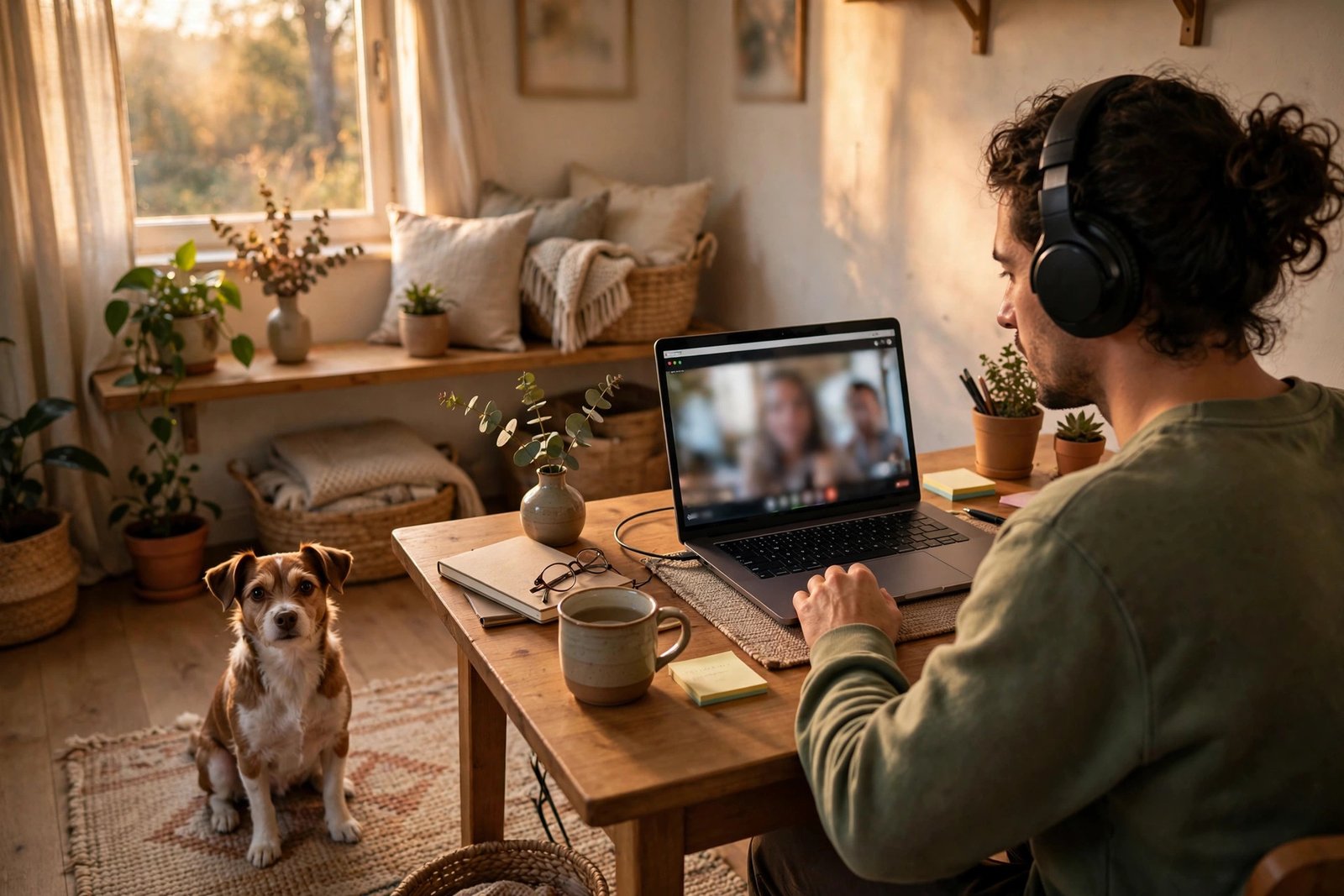
Working from home means life occasionally walks into frame. A child with an urgent question, a delivery at the door, a dog with strong opinions about the mail carrier — it happens to everyone, and one interruption doesn’t damage your reputation. How you handle it does.
Acknowledge it briefly, mute yourself, deal with it quickly, and move on: “Excuse me one moment” is enough. Skip the long apologetic story — it draws more attention to the interruption than the interruption itself, and it eats meeting time. A simple “thanks for your patience” when you return closes the loop.
Prevention is still better than recovery. Close the door, tell the household when you’re on an important call, and keep a backup plan (a phone hotspot, a dial-in number) for the calls that truly can’t glitch. And be honest with yourself: if interruptions are a regular feature of your meetings rather than a rare event, that’s a setup problem to fix, not bad luck.
If You’re the Host: Run a Meeting People Don’t Dread
Hosting raises the bar. As the host, you’re responsible not just for your own behavior but for everyone else’s experience — and most bad meetings are bad because the host skipped the basics. Good host-side virtual meeting etiquette is what separates meetings people tolerate from meetings people value.
- Send a short agenda in advance: purpose, topics, and what you need from each person. A missing agenda is the top reason meetings waste time.
- Start and end on time, every time. Waiting for latecomers punishes the punctual.
- Invite quieter people in by name. On video, it’s easy for two voices to dominate while everyone else goes silent.
- Assign a note-taker (or rotate the role) so decisions and action items get captured.
- End with clarity: who does what by when. Then be the last to leave, so nobody’s final thought gets cut off.
A useful rule of thumb: if a meeting could have been an email, cancel it. Your team’s respect for your meetings depends on your respect for their time.
After the Call: Follow Through Like a Professional
Virtual meeting etiquette doesn’t end when you click Leave. What happens after the call is what people actually remember — did the decisions stick, and did anyone do what they promised?
- Confirm action items in writing: what was decided, who’s doing what, and by when. Send it the same day while it’s fresh.
- Share the recording or notes with anyone who couldn’t attend, so nobody has to chase you for a recap.
- Do what you said you’d do, by the deadline you agreed to. Reliability after the meeting builds more trust than polish during it.
- Follow up on anything unclear rather than guessing. A quick message beats a wrong assumption.
This is the quiet part of professionalism — no audience, no camera — and it’s the part that earns you a reputation as someone good to work with.
Your 60-Second Virtual Meeting Etiquette Checklist
- Join 3–5 minutes early; test mic and camera
- Camera at eye level, light on your face, tidy background
- Dress like it’s an in-person meeting
- Mute when not speaking; unmute to contribute
- Look into the lens when you talk; nod and react visibly
- No multitasking, no side-chat gossip
- Pause before speaking to beat the lag; keep points short
- Screen share: close tabs, silence notifications, share one window
- Handle interruptions briefly and move on
- End with written action items — and do yours
Virtual Meeting Etiquette FAQs
Should I keep my camera on or off?
Default to on for team meetings, interviews, and anything collaborative — it builds trust and keeps you engaged. Off is fine for large webinars, all-hands where you’re only listening, or when your connection is struggling. When in doubt, follow the host’s lead.
Is it rude to eat during a virtual meeting?
For formal meetings, yes — eat beforehand. For long working sessions where everyone agreed it’s casual, a quiet snack is fine; just stay muted while you chew and keep the camera angle kind.
What should I do if I join late?
Join muted, drop a brief apology in chat, and catch up quietly — don’t ask everyone to recap for you. If you missed something essential, message the host afterward.
How can I look good on camera without buying gear?
Face a window, raise your laptop so the camera is at eye level, and tidy what’s behind you. Those three free changes fix 90% of bad video.
Can I multitask if I’m only there to listen?
People notice more than you think — the delayed “sorry, could you repeat that?” gives it away instantly. If you genuinely don’t need to be there, it’s better etiquette to decline than to attend half-present.
Final Thoughts
Virtual meeting etiquette boils down to one idea: make the call easy for everyone else. Join ready, look presentable, stay engaged, speak concisely, and follow through afterward. Master those basics and you’ll stand out — because on most calls, hardly anyone does.